
AI Answering Service for Small Business: The 2026 Guide
David M.
CEO, Woizer
AI Answering Service for Small Business: The 2026 Guide That Skips the Hype
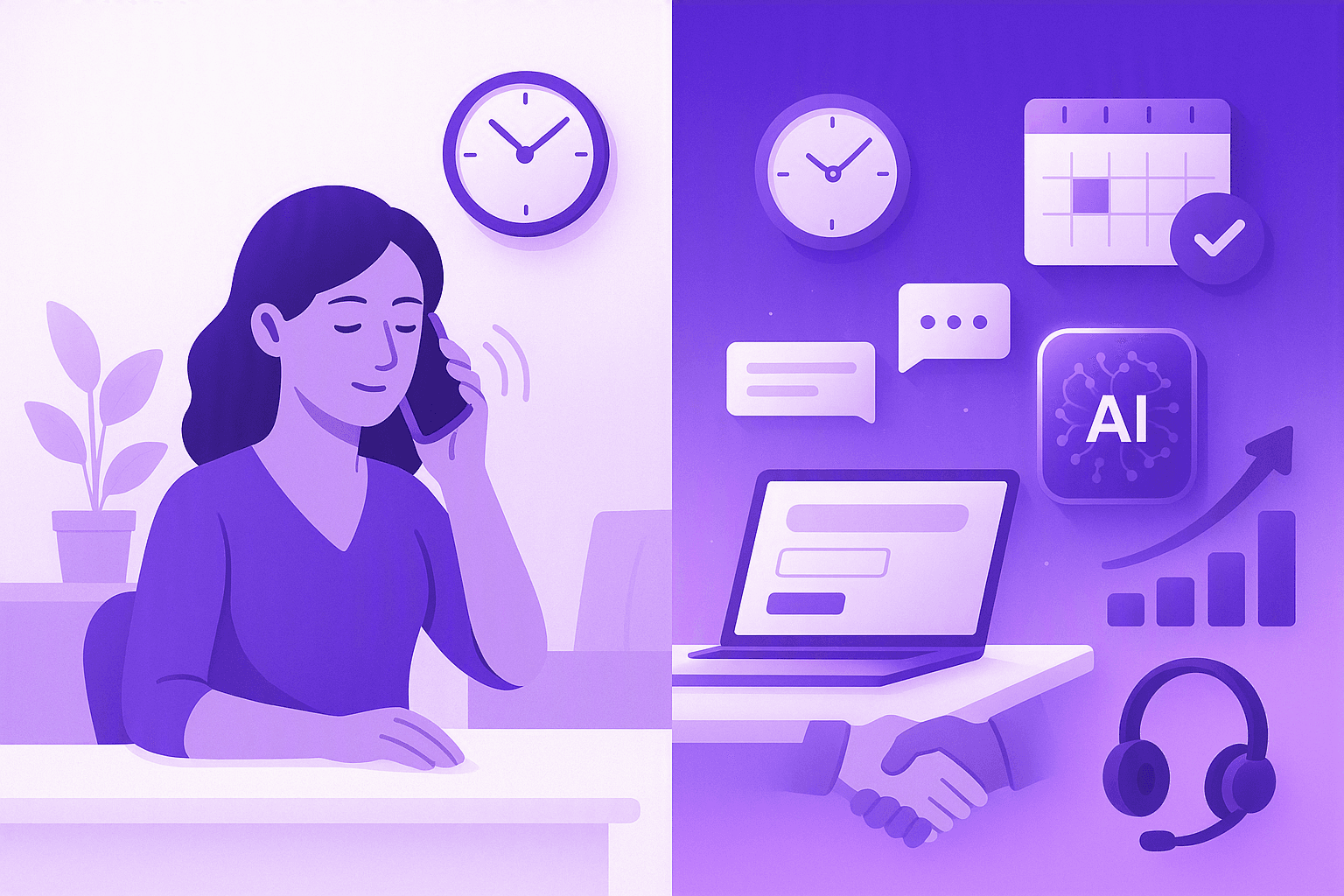
Every missed call is a missed opportunity. But for small businesses without a dedicated receptionist, missed calls aren't the exception — they're the norm. An AI answering service for small business changes that equation entirely: 24/7 availability, instant responses, and zero hold music, without adding headcount.
This isn't a futuristic concept anymore. In 2026, AI voice agents handle real conversations — booking appointments, routing urgent calls, answering FAQs, and following up via SMS — with latency under 500 milliseconds. They sound natural, work in 30+ languages, and cost a fraction of what you'd pay a human receptionist or a traditional answering service.
If you're still relying on voicemail or a $300/month call center with scripts from 2019, this guide is for you.
Key Takeaways (TL;DR)
- Traditional answering services cost $200–$1,000+/month and still miss context, lose leads, and frustrate callers. AI answering services start under $50/month with unlimited availability.
- AI voice agents don't just answer — they act. They book appointments, send confirmations, escalate emergencies, and capture lead data in your CRM automatically.
- Setup takes minutes, not weeks. Modern AI answering platforms scan your website, learn your business, and go live without code or IT involvement.
- The ROI isn't theoretical. One missed call from a potential client can cost more than a full year of AI answering service. For service businesses, that's often $500–$5,000 in lost revenue per call.
What Is an AI Answering Service for Small Business?
An AI answering service replaces or supplements your phone system with an artificial intelligence agent that handles inbound calls. Unlike a traditional answering service — where human operators read from scripts — an AI agent understands context, adapts to caller intent, and takes action in real time.
Here's what that looks like in practice:
A dental office at 7 PM on a Tuesday. A patient calls with a toothache. Instead of hitting voicemail, an AI voice agent answers, asks about the severity, offers the next available emergency slot, books it directly into the practice management system, and sends an SMS confirmation — all within 60 seconds.
A plumbing company on Saturday morning. A homeowner calls about a burst pipe. The AI agent recognizes the urgency, collects the address, and immediately routes the call to the on-call technician while texting the homeowner an ETA.
An e-commerce brand during a product launch. Call volume triples. The AI handles order status inquiries, return requests, and product questions simultaneously — no queue, no hold time, no extra staff.
This is what separates a modern AI answering service from a voicemail box or a call center with hold music. It's not just answering. It's doing.
Why Traditional Answering Services Are Failing Small Businesses
Let's be honest about what "traditional" looks like in 2026:
Human answering services employ operators who juggle dozens of clients. They read scripts. They don't know your business deeply. They can't book appointments in your system. They charge per minute, and costs escalate fast during busy periods.
Voicemail is where leads go to die. Industry data consistently shows that the vast majority of callers won't leave a voicemail — they'll simply call your competitor instead.
IVR phone trees ("Press 1 for sales, press 2 for support...") frustrate callers and increase abandonment. Most people mash 0 or hang up.
Here's the comparison that matters:
| Feature | Traditional Service | Voicemail | AI Answering Service |
|---|---|---|---|
| 24/7 availability | Sometimes (extra cost) | Yes | Yes |
| Books appointments | Rarely | No | Yes |
| Sends SMS follow-ups | No | No | Yes |
| Handles multiple calls simultaneously | Limited | N/A | Unlimited |
| Learns your business context | Minimal | No | Yes |
| Cost per month | $200–$1,000+ | Free | $30–$150 |
| Setup time | Days to weeks | Instant | Minutes |
The gap isn't subtle. Traditional services were built for an era when the alternative was literally no one answering the phone. Now there's a better option.
See it work on your site
Paste your URL — get a working voice agent in 2 minutes. Free, no credit card.
How an AI Answering Service Actually Works in 2026
The technology has matured significantly. Here's the architecture behind a modern AI answering service for small business:
1. Voice Understanding (Not Just Speech-to-Text)
Modern AI agents don't just transcribe words — they understand intent, context, and emotion. When a caller says "I need someone out here today, this is an emergency," the agent recognizes urgency and adjusts its workflow accordingly.
2. Business-Specific Knowledge
The AI ingests your website, service pages, pricing, hours, team bios, and FAQ content. It knows your business the way a well-trained receptionist would — except it doesn't forget, doesn't have bad days, and doesn't quit after three months.
3. Action Execution
This is where AI answering services diverge from chatbots of the past. The agent doesn't just talk — it acts:
- Books appointments in your calendar system
- Routes calls based on department, urgency, or time of day
- Sends SMS confirmations and follow-ups to callers
- Logs call summaries and lead data to your CRM
- Escalates to a human when the situation requires it
4. Continuous Learning
Every interaction makes the system smarter. Common questions, unusual requests, edge cases — the AI adapts its responses over time without manual reprogramming.
5. Sub-500ms Response Time
This matters more than people realize. A one-second delay in phone conversation feels awkward. A two-second delay feels broken. Modern AI voice agents respond in under half a second — fast enough that callers don't notice they're speaking with AI.
Who Benefits Most From an AI Answering Service?
Not every business needs this. But if any of the following describe you, you're leaving money on the table without one:
Service Businesses (Plumbers, HVAC, Electricians, Landscapers)
You're on job sites all day. You can't answer the phone. But every missed call is a $200–$2,000 job walking to your competitor. An AI answering service captures every lead, qualifies urgency, and schedules estimates — even at midnight. Home service businesses are among the fastest adopters for exactly this reason.
Healthcare and Dental Practices
Patients call to book, reschedule, ask about insurance, or report emergencies. Your front desk handles five things at once and still sends callers to voicemail. An AI phone agent handles routine booking and triage while your team focuses on in-office patients. Dental practices and veterinary clinics are seeing particularly strong results.
E-Commerce and DTC Brands
Order status, return policies, shipping questions — these repeat endlessly. An AI answering service handles them instantly, freeing your (usually small) support team for complex issues that actually need a human touch. See how this works for e-commerce businesses.
Professional Services (Law Firms, Accounting, Consulting)
Intake calls are your pipeline. Missing one because you're in a client meeting isn't just inconvenient — it's expensive. An AI agent conducts initial intake, collects case details, and books consultations directly into your calendar.
Restaurants
Reservation requests, hours inquiries, menu questions, large party bookings. Your host shouldn't spend half their shift on the phone. Restaurant-specific AI agents handle this volume without impacting floor service.
Real Implementation: What Setup Actually Looks Like
Here's what trips people up — they assume "AI" means "complex." In 2026, it doesn't.
Step 1: Provide your website URL. The AI scans your site, extracts your services, hours, location, team info, and common questions. This takes about 30 seconds.
Step 2: Configure your rules. What should the AI do during business hours vs. after hours? Which calls should escalate to a human? What calendar system should it book into? This is no-code, point-and-click configuration.
Step 3: Set your phone routing. Forward your business line to the AI agent (all calls or just overflow/after-hours). Takes one change in your phone settings.
Step 4: Go live. Total time: under 5 minutes for basic setup. Refinement happens over the first week as you review call transcripts and adjust responses.
No developer. No IT department. No multi-week onboarding with a "customer success manager." You set it up the same afternoon you decide to try it.
AI Answering Service vs. Chatbots: Why Voice Matters
You might be thinking: "I already have a chatbot on my website. Isn't that enough?"
No. And here's why:
People still call. Especially for urgent issues, complex questions, or when they're driving/working with their hands. The phone isn't dead — it's just underserved.
Voice converts better. A caller has higher intent than a website visitor. They picked up the phone. They want to act now. Meeting them with a responsive, capable AI agent capitalizes on that intent immediately.
Different demographics prefer different channels. Your younger customers might prefer chat. Your 55-year-old homeowner with a flooded basement is calling. You need both covered.
The smart play isn't voice or chat — it's both. An AI answering service handles phone. A widget agent on your website handles digital visitors. Same AI brain, different interfaces. That's the approach that captures leads across every channel without doubling your tools or budget.
For a deeper dive on the website side, see how a smart chat agent works on business websites.
What to Look for in an AI Answering Service (2026 Criteria)
Not all AI answering services are equal. Here's what separates the useful from the useless:
Response latency under 500ms. Anything slower feels robotic and kills caller trust. Ask for a demo call before buying.
Multilingual support. If your customer base includes Spanish, Mandarin, or any other language speakers, your AI should handle them natively — not through clunky translation layers.
Action capabilities, not just conversation. Can it book appointments? Send texts? Route calls? Log to your CRM? If it only talks, it's just a fancier voicemail.
No-code setup. If you need a developer to configure it, the vendor is solving for enterprise, not small business. Walk away.
Transparent pricing. Per-minute billing adds up fast and creates anxiety about usage. Look for flat-rate or predictable tiered pricing. (Compare pricing options here.)
Call transcripts and analytics. You should see every conversation, understand what callers are asking, and identify gaps in the AI's knowledge — without digging through dashboards designed for data analysts.
Human escalation. The AI should know its limits. When a caller needs a real person, the handoff should be instant and seamless — not a "please call back during business hours" dead end.
The Cost Reality: AI Answering Service vs. Alternatives
Let's talk numbers honestly:
- Hiring a receptionist: $35,000–$50,000/year salary + benefits + training + turnover costs. Only available 40 hours/week.
- Traditional answering service: $200–$1,000/month depending on volume. Limited capabilities. Per-minute overages.
- AI answering service: Typically $30–$200/month for small business plans. Available 24/7/365. Handles unlimited simultaneous calls.
The math isn't close. Even if you value the human touch for some calls, an AI handles the other 80% — the routine questions, the after-hours inquiries, the overflow during busy periods — at a fraction of the cost.
For businesses that want to provide 24/7 customer service without destroying their budget, AI answering is the only model that scales down to small business economics while scaling up to enterprise capability.
Common Objections (and Honest Answers)
"My customers want to talk to a real person."
Some do. For complex emotional conversations — sure, route those to humans. But for "what are your hours," "do you have availability Thursday," and "can you send someone for an estimate" — callers want speed and competence, not necessarily a human. They want their problem solved. AI does that faster than a hold queue.
"AI will sound robotic and hurt my brand."
This was true in 2022. It's not true in 2026. Modern voice AI uses natural prosody, handles interruptions, laughs appropriately, and adapts tone to context. Most callers don't realize they're speaking with AI unless told. Test it yourself before deciding.
"What about sensitive information?"
Legitimate concern. Look for services with SOC 2 compliance, encrypted call data, and clear data retention policies. The AI shouldn't store credit card numbers or sensitive health information unless specifically configured with proper safeguards.
"What if the AI gets something wrong?"
It will, occasionally. So do humans. The difference: when AI makes an error, you can identify it in the transcript, fix the underlying logic, and ensure it never happens again. Human errors repeat because training is inconsistent and turnover is constant.
How AI Answering Fits Into Your Broader Automation Strategy
An AI answering service isn't a standalone tool — it's the front door to a broader automated customer service strategy.
Here's how the pieces connect:
- Phone calls → AI Phone Agent answers, qualifies, books, routes
- Website visitors → AI Widget Agent engages, guides, captures leads
- Complex forms → AI Form Assistant walks users through applications by voice
- Follow-up → Automated SMS/email sequences triggered by AI interactions
Each touchpoint feeds data into the next. A caller who books an appointment gets a confirmation text with a link to your intake form — which another AI assistant helps them complete by voice. No friction. No manual follow-up. No leads slipping through cracks.
This is what replacing traditional phone systems with AI looks like when done right.
Getting Started: The Minimum Viable AI Answering Setup
You don't need to overhaul your entire phone system on day one. Here's the low-risk path:
Week 1: After-hours only. Forward calls to AI after business hours. Review transcripts each morning. Adjust responses based on what callers actually ask.
Week 2: Overflow during business hours. If you can't answer within 3 rings, calls route to AI. This catches the calls you're already missing without changing your daytime workflow.
Week 3: Full deployment. AI answers all calls, routes to humans when needed. Your team handles only the calls that genuinely require a person.
This graduated approach builds confidence, surfaces edge cases early, and lets you refine the AI's responses before it handles 100% of volume.
Why Woizer Fits This Exact Use Case
If you've read this far, you're probably evaluating options. Here's where Woizer's Phone Agent fits:
It's built specifically for small businesses that need a capable AI answering service without enterprise complexity. You paste your website URL, the AI learns your business in seconds, and you're live in under two minutes. It answers calls, books appointments into your calendar, sends SMS follow-ups, handles 30+ languages, and responds in under 500 milliseconds.
No code. No contracts. No "schedule a demo with our sales team" gatekeeping.
It also connects to Woizer's website Widget Agent, so your phone and web presence share the same AI brain — consistent answers whether someone calls or visits your site at 2 AM.
For businesses comparing options, see how this stacks up against Intercom, Drift, or Tidio — though those are primarily chat-focused tools, not purpose-built voice agents.
The Bottom Line
An AI answering service for small business isn't a luxury or a gimmick in 2026. It's infrastructure — as basic as having a website or a Google Business listing. The businesses that answer every call, instantly, at any hour, win the customers that competitors send to voicemail.
The technology is ready. The pricing works for small business budgets. The setup takes minutes. The only remaining question is how many calls you're willing to keep missing while you think about it.
Start with after-hours. See what happens. The data will make the decision for you.
See it work on your site
Paste your URL and get a working voice agent in 2 minutes. Free, no credit card.
Try it free →